
WallSplit reads your screen layout and automatically slices any panoramic image into perfectly aligned wallpapers. Browse millions of photos, use AI-powered Smart Crop, preview before applying. Free forever. Pro unlocks everything.
Whether you have 2 screens or 5, identical or mixed, WallSplit handles it all.
Face detection + attention saliency automatically find the best crop position. One click, perfect alignment.
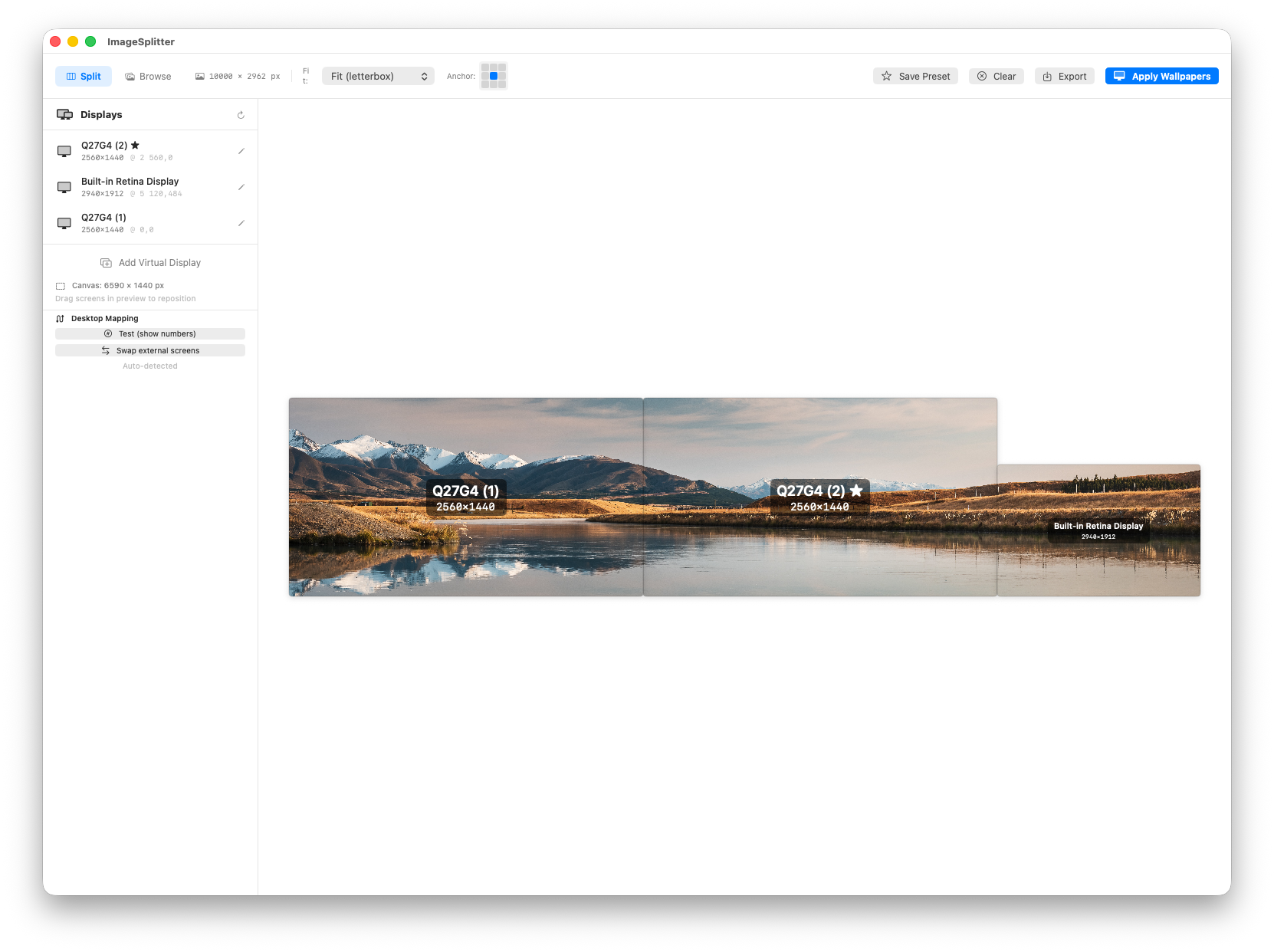
Reads your connected displays — resolution, position, Retina scaling. No manual configuration.
Each piece crops to the exact native resolution of its target screen. No stretching, no blur.
See exact slice boundaries across all your screens before confirming. Cancel if needed.
Browse Unsplash, Pexels, Wallhaven, Pixabay, NASA APOD, and Pinterest. All in one app.
Change wallpapers automatically every 5 min to daily. Perfect for dynamic desktops.
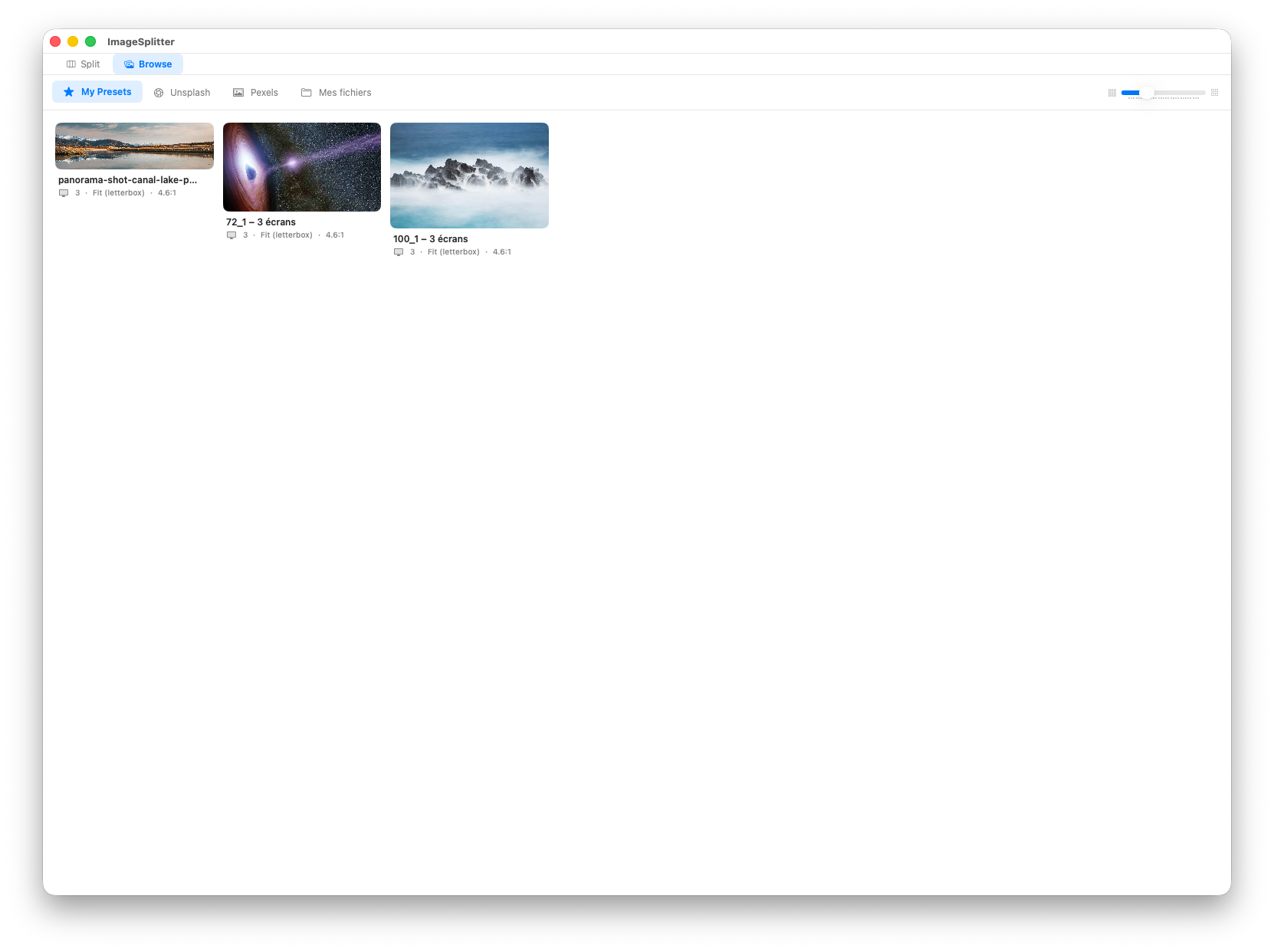
Save complete wallpaper sets and screen configurations. Restore any setup instantly.
9-point grid to fine-tune which part of the image is preserved. Full control over framing.
All processing on-device. API keys stored locally in Keychain. Zero tracking.
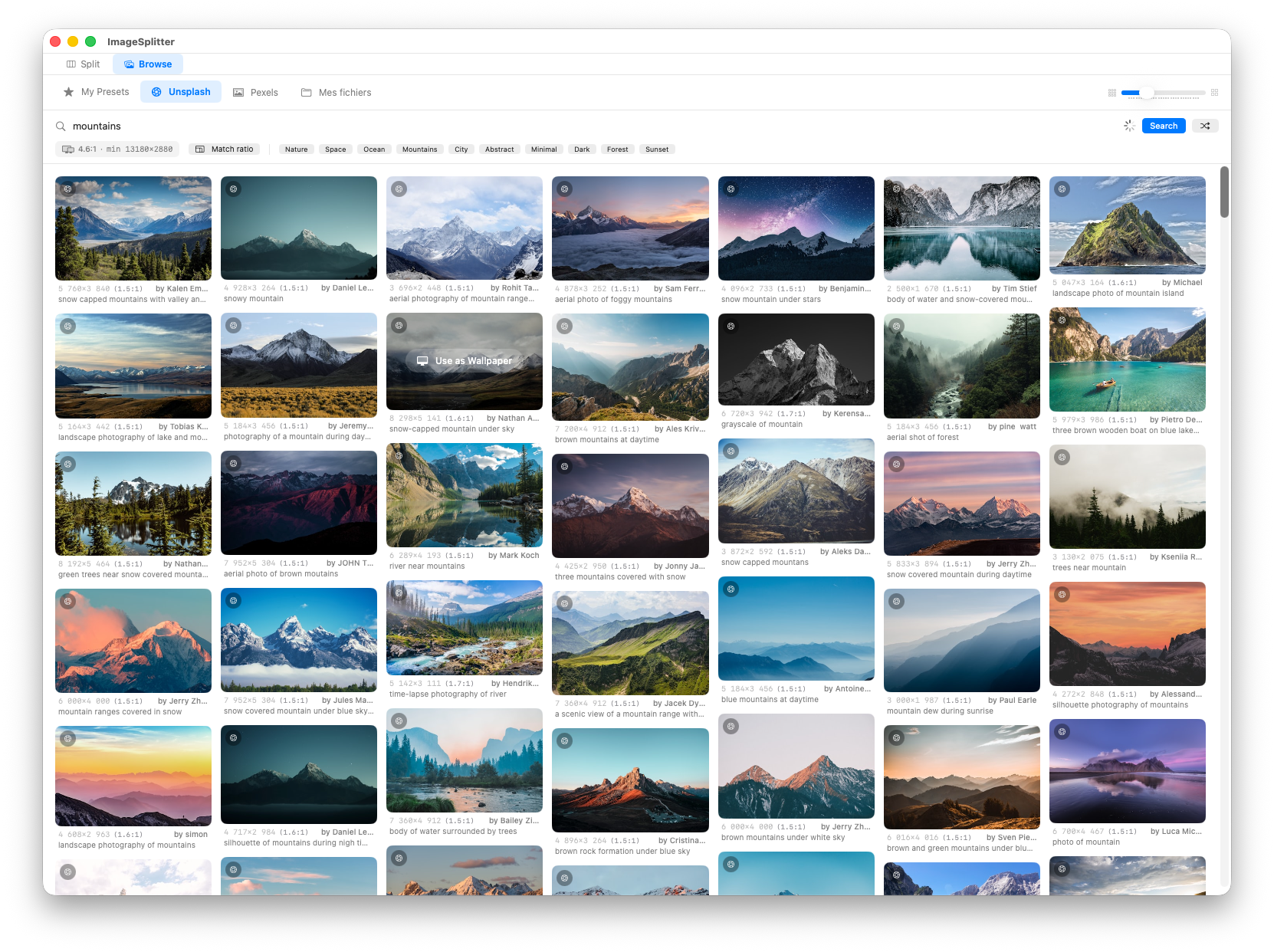
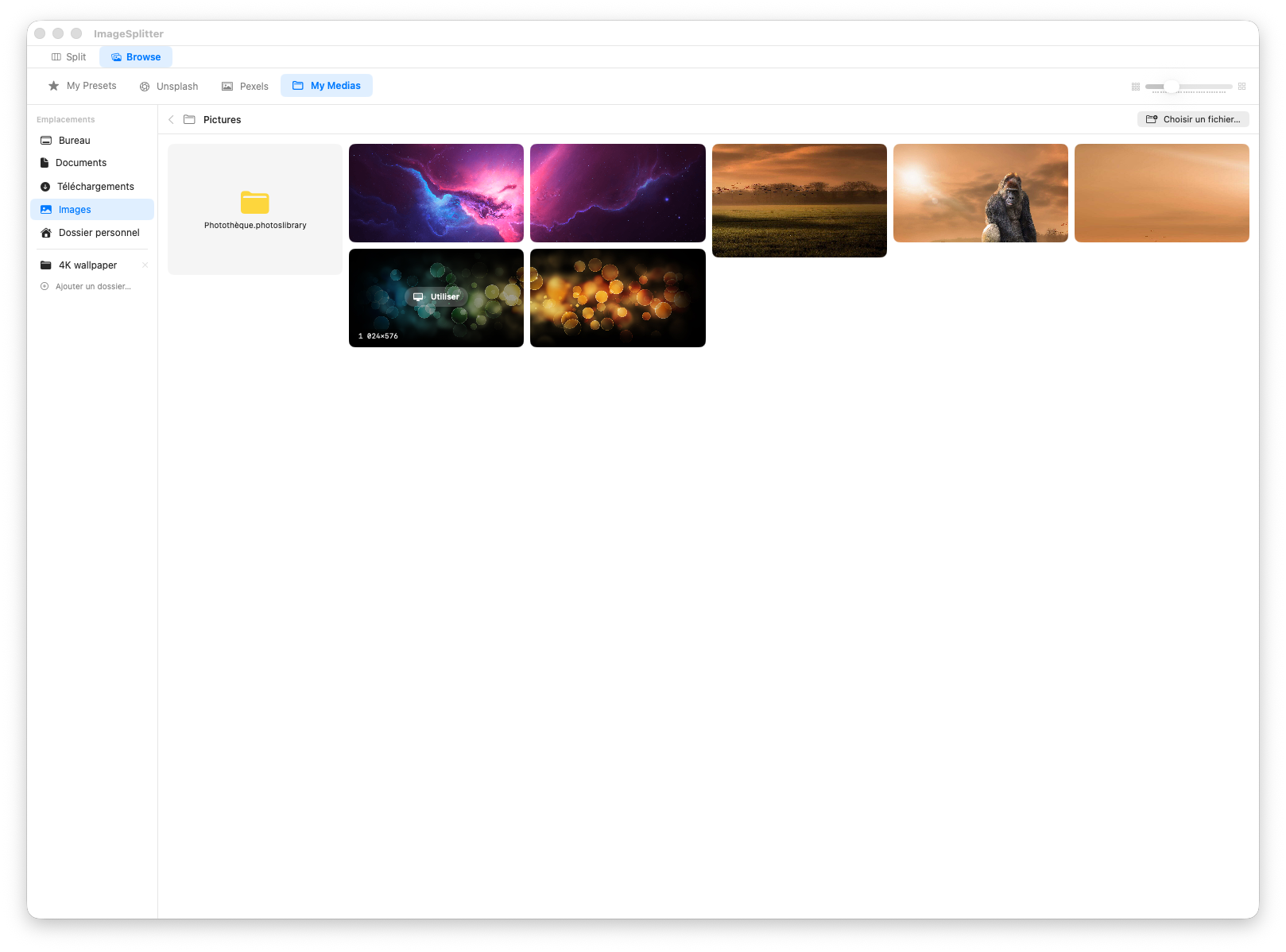
Your current wallpaper loads automatically on launch. Or drag in any image, browse 6 photo sources (Unsplash, Pexels, Wallhaven, Pixabay, NASA APOD, Pinterest), or pick from your files.
Use Smart Crop to auto-detect the best position, or manually adjust the anchor point with the 9-point grid. Preview shows exact slice boundaries across all your screens.
One click applies wallpapers to all screens at native resolution. Save the setup as a preset to restore layout, fit mode, and image instantly.
WallSplit is free to use with a complete feature set. Upgrade to Pro once — no subscription, no catch.
Download WallSplit for free and try it now. No account, no tracking, no subscription.